LD59 - CIGNIS
DEMO VERSION - FOR LDJAM 59
In Cignal Space Operations you control a transmitter and will need to send your signal across the solar system to reunite with your lost pluto baddie. In this game you will make contact with various planets and stations using a variety of signal combinations. Progress the game by unlocking new signals, changing satellite orientations to boost your signal, and ultimately extend your range all the way to Pluto!
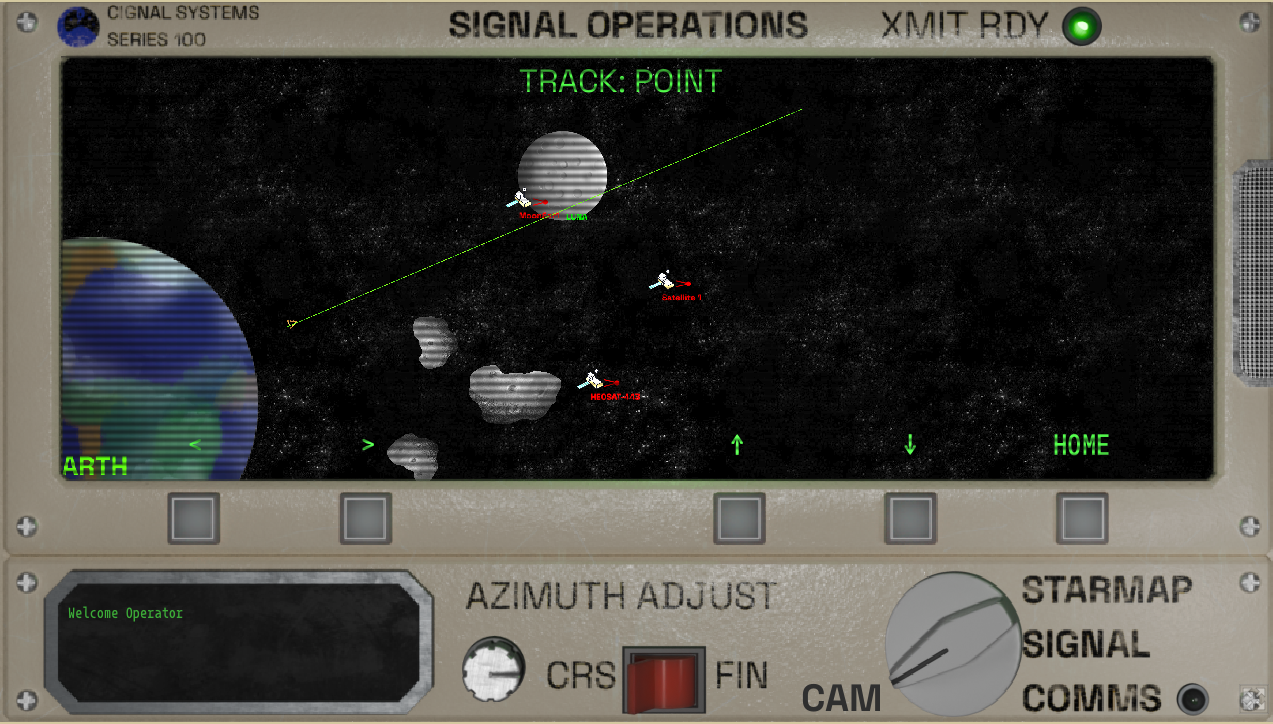
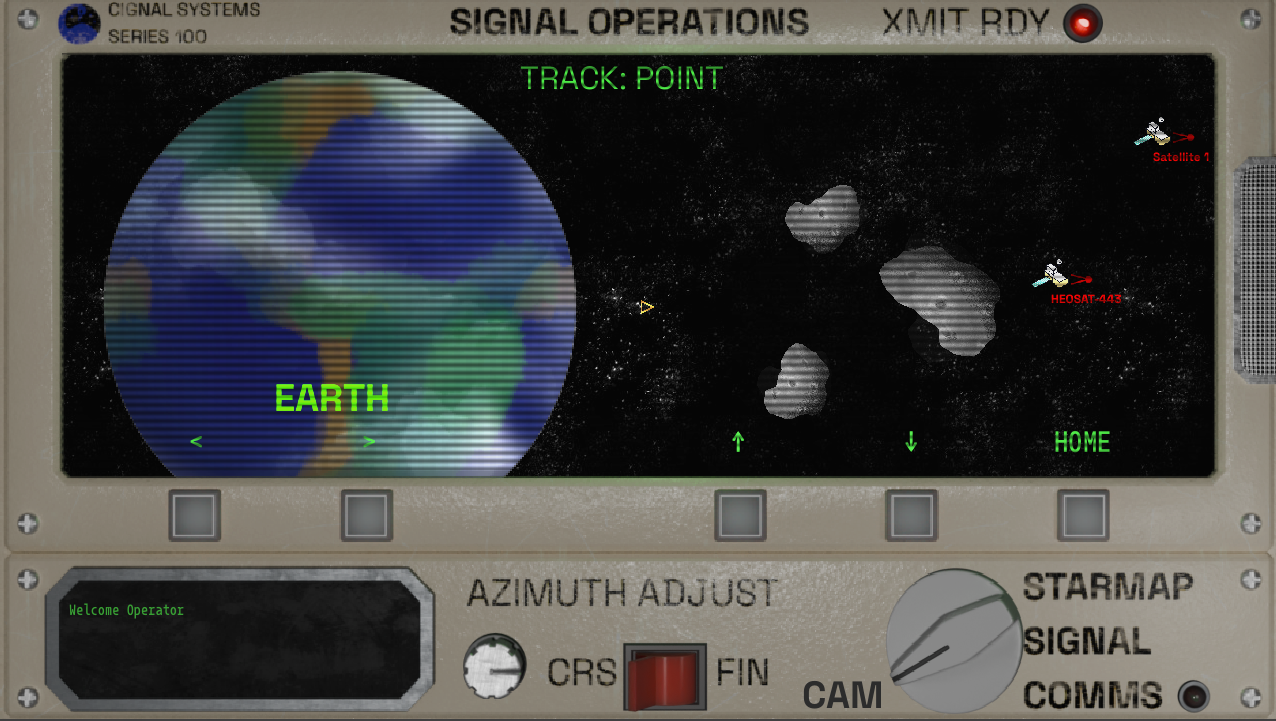
- TRANSMIT SIGNALS to Satellites and Planets - with the "StarMap"
- BUILD SIGNALS - with the "Signal Designer"
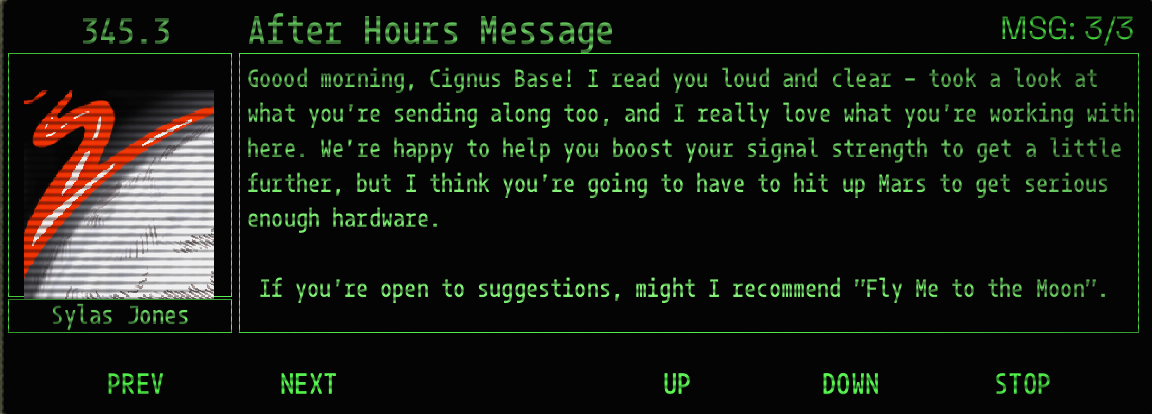
- READ and LISTEN to messages - with "COMMS"
Become immersed in the Dynamic Music System and Voice Acted Audio Log Stories as your explore the solar system!
Credits:
- keeneire - ART
- sistersacrilege - ART
Tutorial
"Welcome to your Cignus Industries StarHopper!
To Start - use the mode knob in the lower right to access the COMMS screen and read any messages your may have! Using this Knob will change what "mode" your console is in. You can then use the MFD (Multi-Function Display) Buttons to execute operations on your Console.
Comms Operations:
Your signaler is equip with a Communications Receiver and Viewer.
- Use the <NEXT> and <PREV> buttons to select messages you have received. (total count in the top right side of screen)
- Use <UP> and <DOWN> to scroll longer messages
- Use <PLAY> and <STOP> to play/pause Voice Messages
StarMap Operations
- Position and dispatch your message via the <STARMAP> screen using <XMIT>.
- Use the Azimuth Adjust Controls to designate where you wish to send your signal (YOU CAN ALSO USE KEYBOARD (a/d) or left right)
- Terminate an errant signals or connections on the StarMap using <TERM>.
- Use the <HOME> Command to return camera view to your current emission source
- If you have multiple broadcast locations, swap between your emission source using <SRC>
- You MUST have a Signal Configured in order to Transmit!
Signal Operations:
Your signaller can be controlled via the <signal> interface.
- Use the <NEXT> and <PREV> buttons to select a signal code to transmit, then select <SEL> to add it to your signal chain.
- PKT: signal contents, required when contacting any comm hub \
- LEFT/RIGHT: directionally rotate relay satellite, can be chained for larger rotation\n-
- FWD: forward your signal on from relay\n-
- PING: add satellite to relay network
STUCK? NO PING?
Send a PACKET Signal to the MOON. This will unlock the "PING" Signal. Send the PING signal to satellites and planets to unlock story and extend your range
Leave a comment
Log in with itch.io to leave a comment.